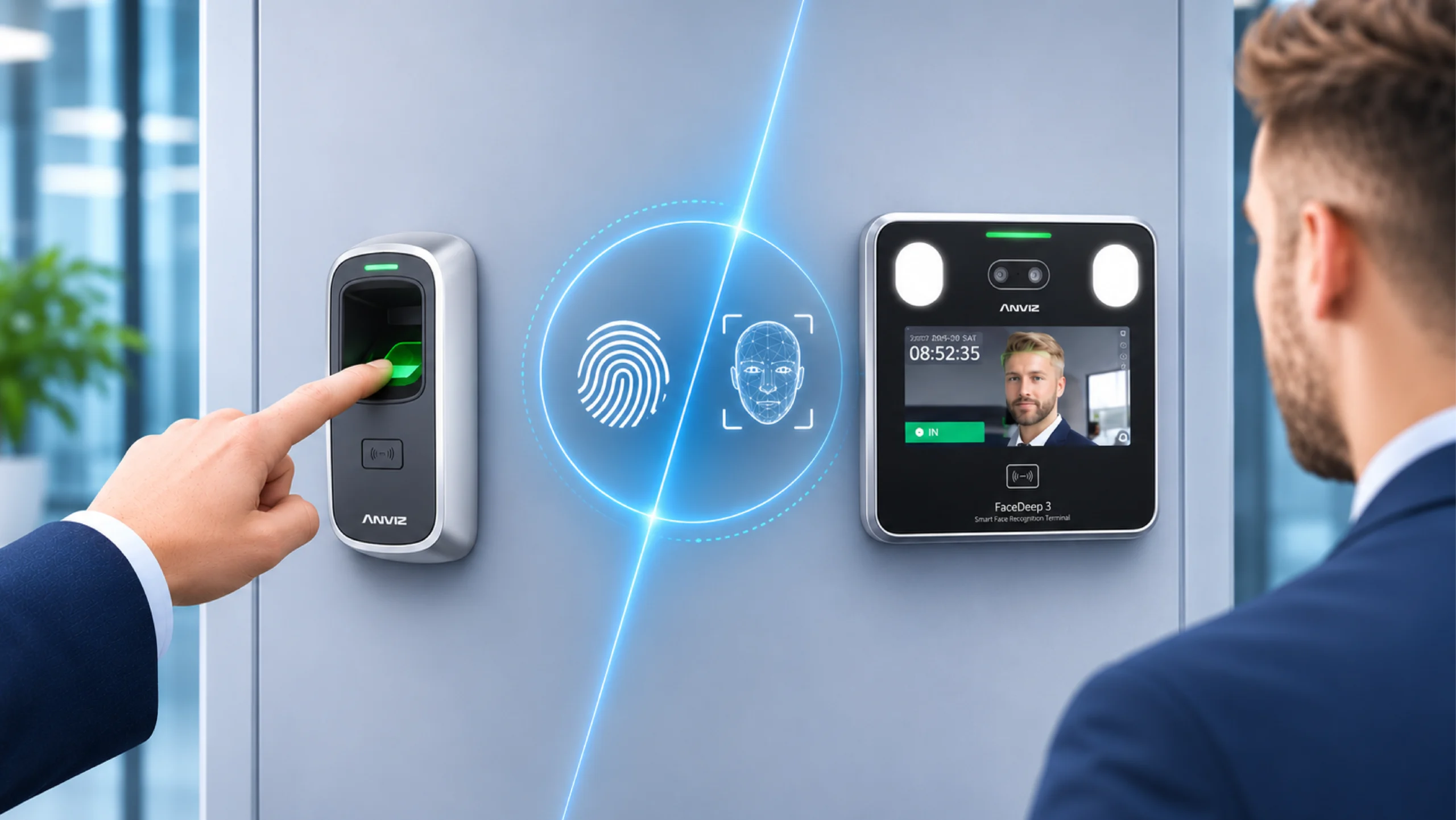
If you are choosing a biometric time attendance or access control terminal for a UAE business, you will quickly face one decision: fingerprint or face? Both are accurate, both stop buddy punching, and both are widely sold. They behave very differently once they are installed on a real wall, used by real people, in a real environment.
neither is better in every case. Fingerprint terminals are usually the better value for offices, schools and sites where people have clean hands and a queue is not an issue. Facial recognition terminals suit places where touch-free entry, hygiene or high throughput matter, and where staff wear gloves, work with their hands or clock in with wet or dirty fingers. Many businesses end up using both.
How each technology actually works
Fingerprint recognition
During enrolment, the terminal scans a finger and converts its ridge pattern into a digital template. At each clock-in, the live scan is compared with stored templates. Anviz terminals such as the Anviz M-Bio fingerprint and RFID terminal use an optical sensor and hold up to 3,000 fingerprints, according to the product listing.
Facial recognition
A camera captures the face, and an algorithm measures facial features and compares them with enrolled faces. Better terminals add an infrared camera for live face detection, which helps the device tell a real face from a photo. The Anviz FacePass 7 Pro, for example, is described by the manufacturer as using IR-based live face detection and also supports RFID cards. See Anviz’s FacePass 7 Pro product page for the current specifications.
Fingerprint vs facial recognition: side-by-side comparison
This table reflects typical behaviour. Results vary by model, installation and user group, so always confirm details with the manufacturer’s datasheet.
| Factor | Fingerprint | Facial recognition |
|---|---|---|
| Contact required | Yes, finger touches the sensor | No, touch-free |
| Hygiene concerns | Shared surface; may be a concern in healthcare and food settings | Minimal, no shared surface |
| Wet, dirty, dry or worn fingers | Can cause failed reads | Not affected |
| Lighting and positioning | Not affected | Can matter; infrared models cope better |
| Speed at busy entrances | Staff queue one by one | Often faster, since people can walk up and look |
| Typical hardware cost | Generally lower | Generally higher |
| Enrolment | Quick, but needs good finger placement | Quick, with a clear face image |
| Privacy perception | Widely accepted | Some staff are more sensitive about face data |
When fingerprint is the smarter choice
- Standard offices and retail. Staff have clean, intact fingerprints and the clock-in volume is manageable.
- Budget-conscious multi-site rollouts. Fingerprint terminals typically cost less per device, which adds up across branches.
- Poor or variable lighting. A fingerprint sensor does not depend on the room’s light.
- Combined access control. Terminals such as the Anviz W2 Pro pair fingerprint with RFID and offer relay and Wiegand interfaces for door control.
When facial recognition works better
- Hospitals, clinics, kitchens and clean environments where shared touch surfaces are unwelcome.
- Construction, workshops and warehouses. Staff with dusty, oily, cracked or worn fingertips often struggle with fingerprint sensors. Facial terminals avoid that issue.
- Peak-hour entrances. At shift change, hundreds of people may need to clock in within minutes. Touch-free verification keeps the line moving.
- Visitor-friendly or premium sites such as hotels, corporate towers and schools, where a seamless experience matters.
The Anviz FaceDeep 5 Smart Face Recognition Terminal, for instance, is listed with a dual-core Linux-based CPU and Anviz’s BioNANO deep learning algorithm.
A real-world scenario
Picture a Dubai logistics company with a head office and a warehouse. In the office, 60 staff clock in through the day. A fingerprint terminal is fast enough and affordable. At the warehouse, 300 workers start at 7:00 a.m., many with gloves, dust or oil on their hands. A face terminal at the gate keeps the queue moving and avoids repeated failed scans. Both terminals can feed the same attendance software, so HR sees one set of records.
The point is that the right answer depends on who is using the terminal, not on which technology sounds more advanced.
Accuracy and security: what to look for
Marketing claims about “99.9% accuracy” are hard to compare. For facial recognition, the most credible independent benchmark is the US National Institute of Standards and Technology (NIST), which runs the ongoing Face Recognition Technology Evaluation (FRTE), formerly FRVT. It tests algorithms submitted by developers, and NIST states that its reports do not endorse specific commercial products.
When comparing terminals, ask suppliers about:
- Liveness or spoof detection. Can the device reject photos, videos or fake fingerprints?
- Verification speed and capacity. Check the maximum number of users and records per device.
- Backup methods. RFID cards or PIN options help when a biometric read fails.
- Software and integration. Does the terminal connect to your payroll or HR system, and does the vendor offer an SDK?
Privacy and compliance in the UAE
Biometric data is treated as sensitive personal data. The UAE’s Federal Decree-Law No. 45 of 2021 on the Protection of Personal Data (PDPL) came into force on 2 January 2022 and specifically recognises biometric data. The official text is published on the UAE Legislation portal. Financial free zones such as DIFC and ADGM have their own data protection regimes that operate alongside it.
In practice, this means you should:
- Tell employees what is collected and why.
- Collect only what you need for attendance or access.
- Restrict who can see or export biometric records.
- Define what happens to data when someone leaves.
This applies equally to fingerprints and faces. It is general guidance only, so speak to a qualified legal adviser about your specific obligations.
How to decide: a quick checklist
- Who uses it? Office staff, manual workers, students or visitors?
- Where is it installed? Indoors, outdoors, dusty, humid or in direct sunlight?
- How many people clock in at once? Peak-hour volume often decides the question.
- Is touch-free important? Think healthcare, food and hospitality.
- What is the budget per site? Include software and installation, not just the terminal.
- Do you need door control? Check relay, Wiegand and RFID support.
- Will you scale? Choose a platform where terminals share one management system.
Frequently asked questions
Which is more accurate, fingerprint or facial recognition?
Both can be highly accurate when well implemented. Accuracy depends on the algorithm, the sensor or camera, and the conditions of use. Compare vendor datasheets and, for facial recognition, look at independent evaluations such as NIST’s FRTE.
Is facial recognition better for time attendance?
It is better where touch-free clock-in, speed or hygiene matter, or where staff fingerprints read poorly. For ordinary offices, a fingerprint terminal is often sufficient and more economical.
Can facial recognition be fooled by a photo?
Basic systems can be. Terminals with infrared live face detection are designed to reject photos and screens. Ask the supplier how the specific model handles spoofing.
Can I use both fingerprint and face on the same system?
Yes. Anviz’s CrossChex software is designed to manage Anviz biometric devices, including fingerprint and face terminals, so mixed deployments can share one set of attendance records. Confirm the exact software version and device compatibility with your supplier.
Are biometric attendance systems legal in the UAE?
Businesses use them widely, but biometric data is regulated as sensitive personal data under the UAE PDPL, and free zones have separate rules. You need a clear purpose, appropriate consent or legal basis, and secure handling. Take legal advice for your situation.
What if an employee’s fingerprint will not scan?
Enrol more than one finger, clean and moisturise the finger if needed, or enable an RFID card or PIN as a backup. If this happens regularly across a team, a face terminal may suit that workforce better.
Not sure which one fits your site?
Digifeat Technologies is an authorised distributor of Anviz time attendance systems in the UAE, Middle East and Africa. You can browse the time attendance range or read more about Anviz time attendance in Dubai. If you would like help matching a terminal to your workforce, contact the Digifeat team and describe your site, headcount and environment.